← Snagcast

How it works

One short film, on Windows and Android.

Open the video

Go to the site in Snagcast, or paste the video's link.
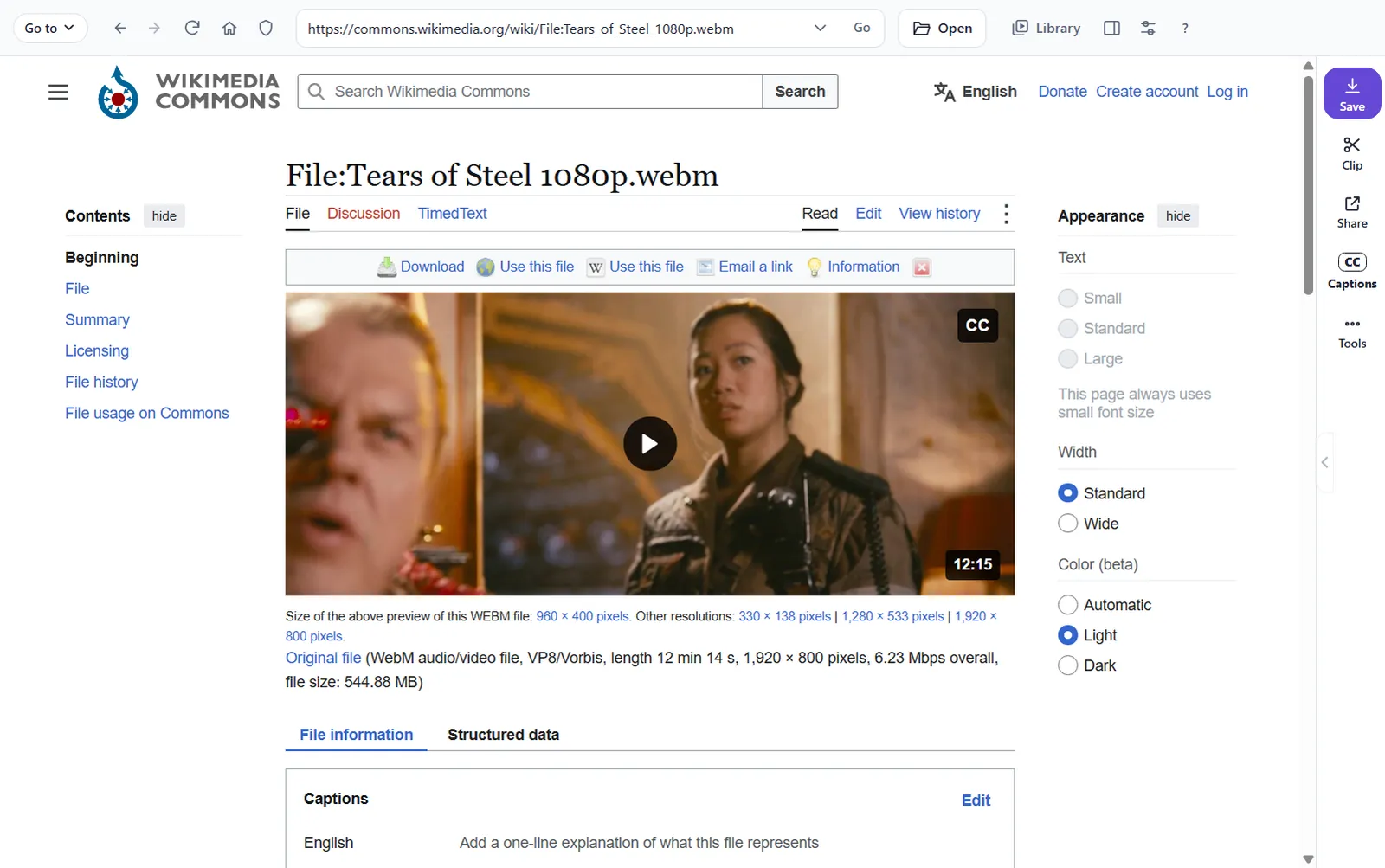
Snagcast on Windows showing a video's page, with Save, Clip, Share and Captions beside it.
Windows: the tools sit beside the page.
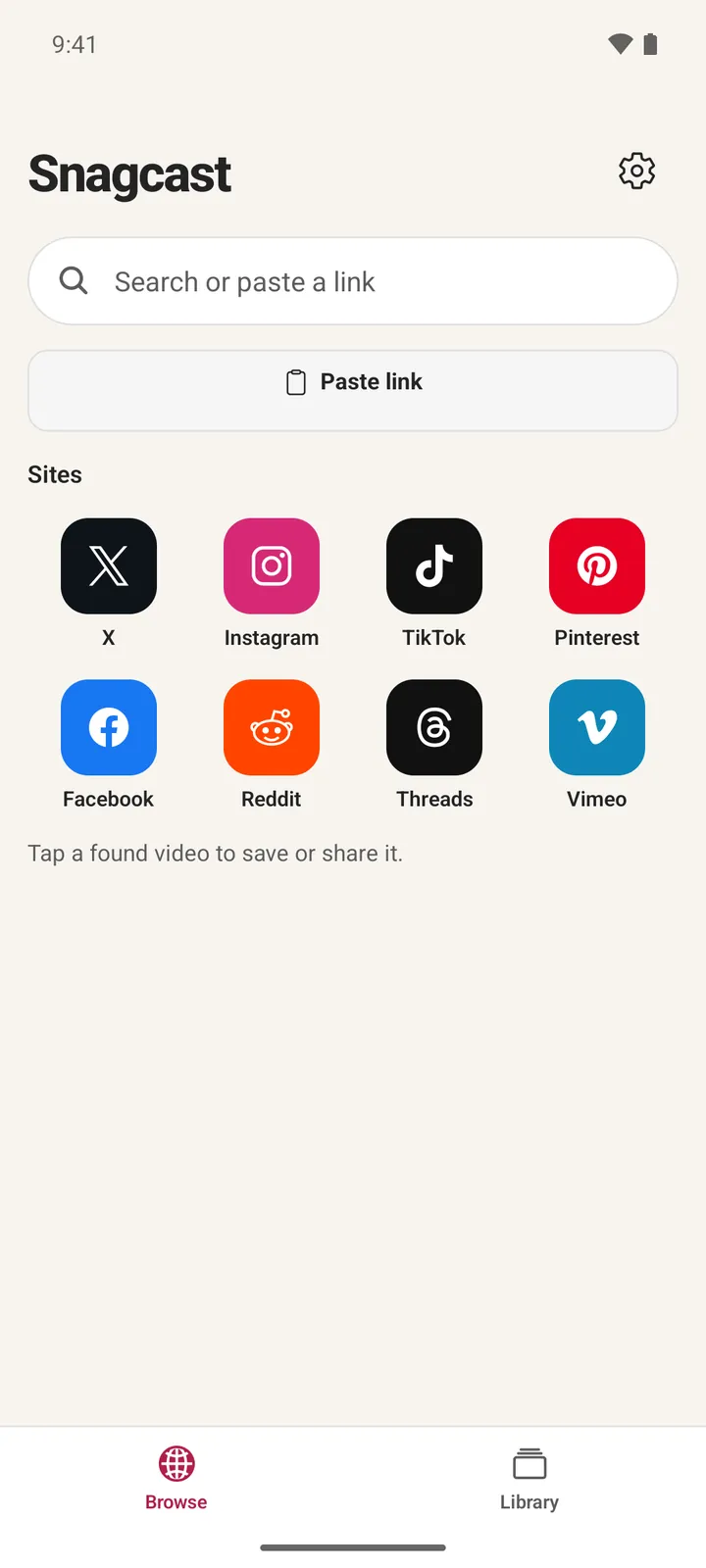
Snagcast's start page on Android: a search box, Paste link and site tiles.
Android: start here.

Captions and translation

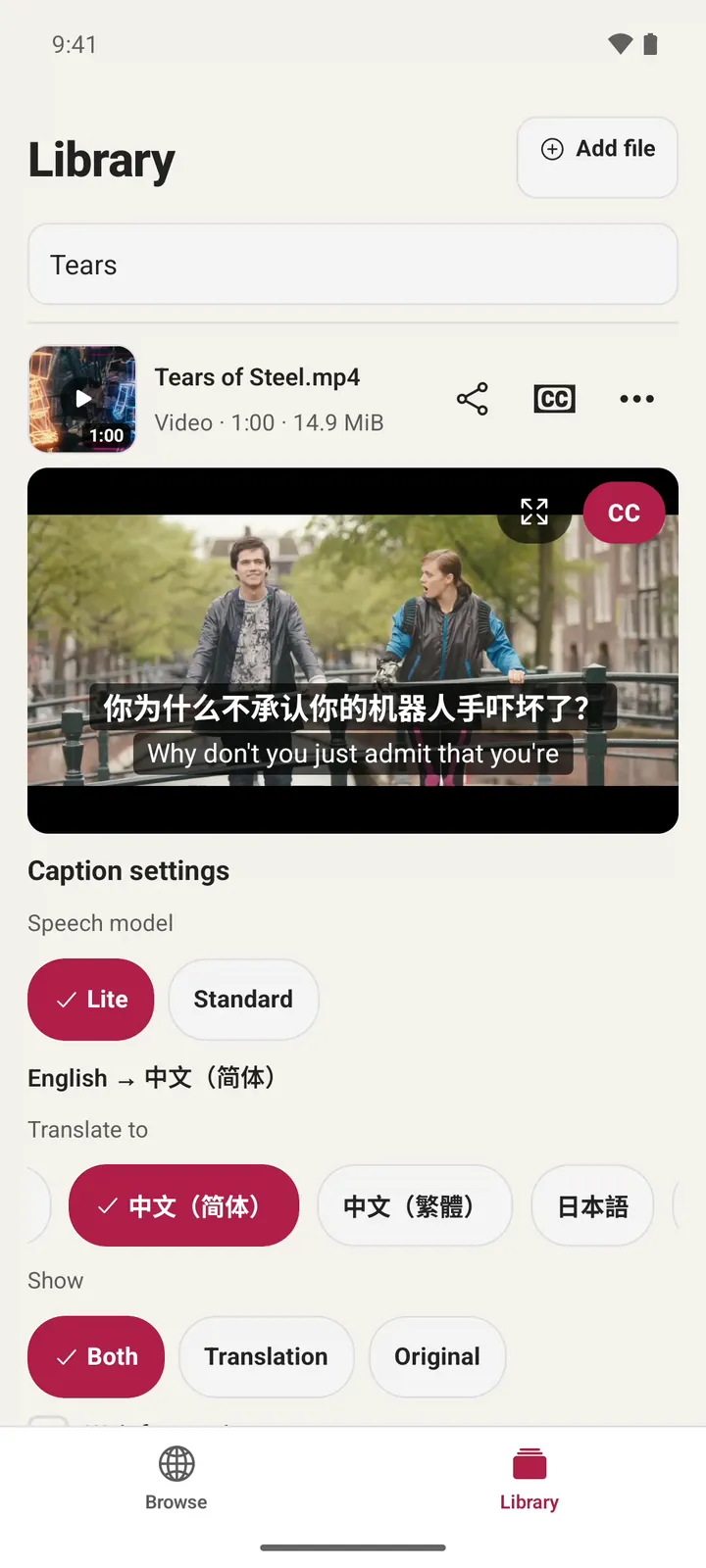
Turn on captions (CC) and choose your language. Snagcast uses the video's own captions, or makes them on your device. On Android, translating takes Pro.
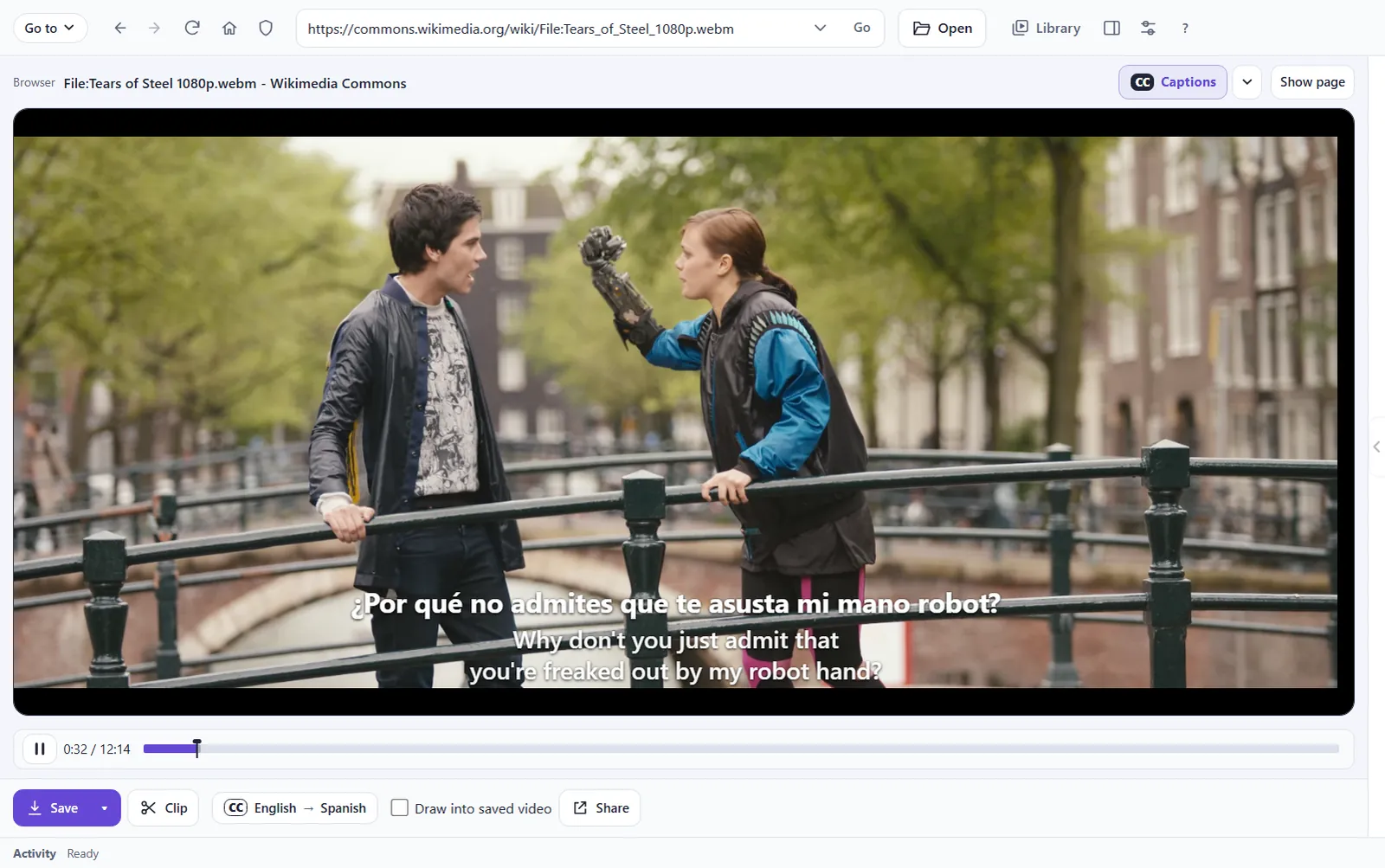
The film playing in Snagcast on Windows, with a Spanish caption over the English one.
Windows: the video's English captions, in Spanish.
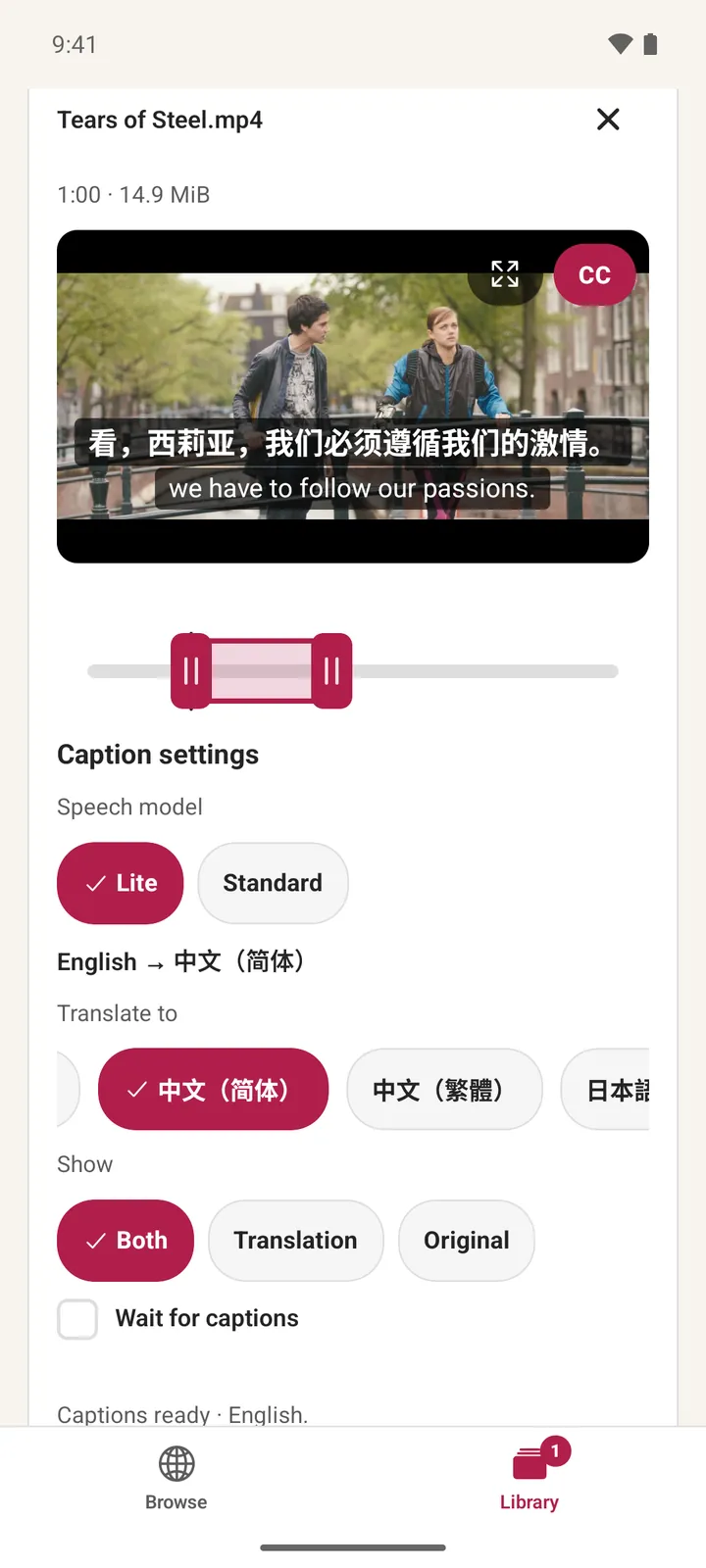
The film on Android with Chinese and English captions, and the caption settings below.
Android: made on the phone, in Chinese.

Clip

Choose Clip and set where it starts and ends. Save clip draws the captions in.
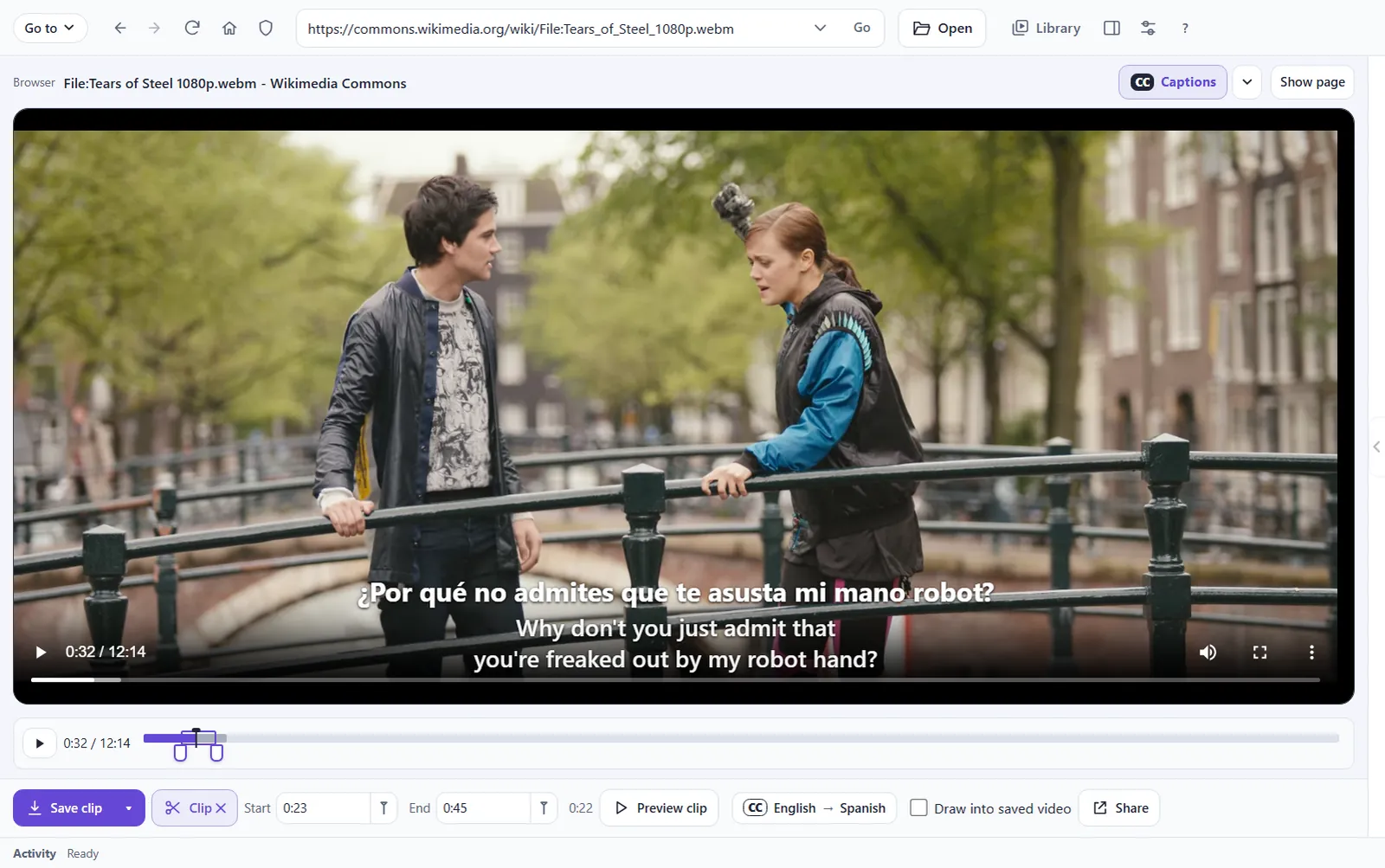
Clip on Windows: Start 0:23, End 0:45, with Save clip and the caption languages below the video.
Windows: Start and End, under the video.
Clip on Android: two handles under the video mark the part to keep.
Android: drag the two ends.
A frame of the saved clip, with the Spanish and English captions drawn into the picture.
The saved clip, captions and all.

Share

Choose Share and pick the app your audience is on.
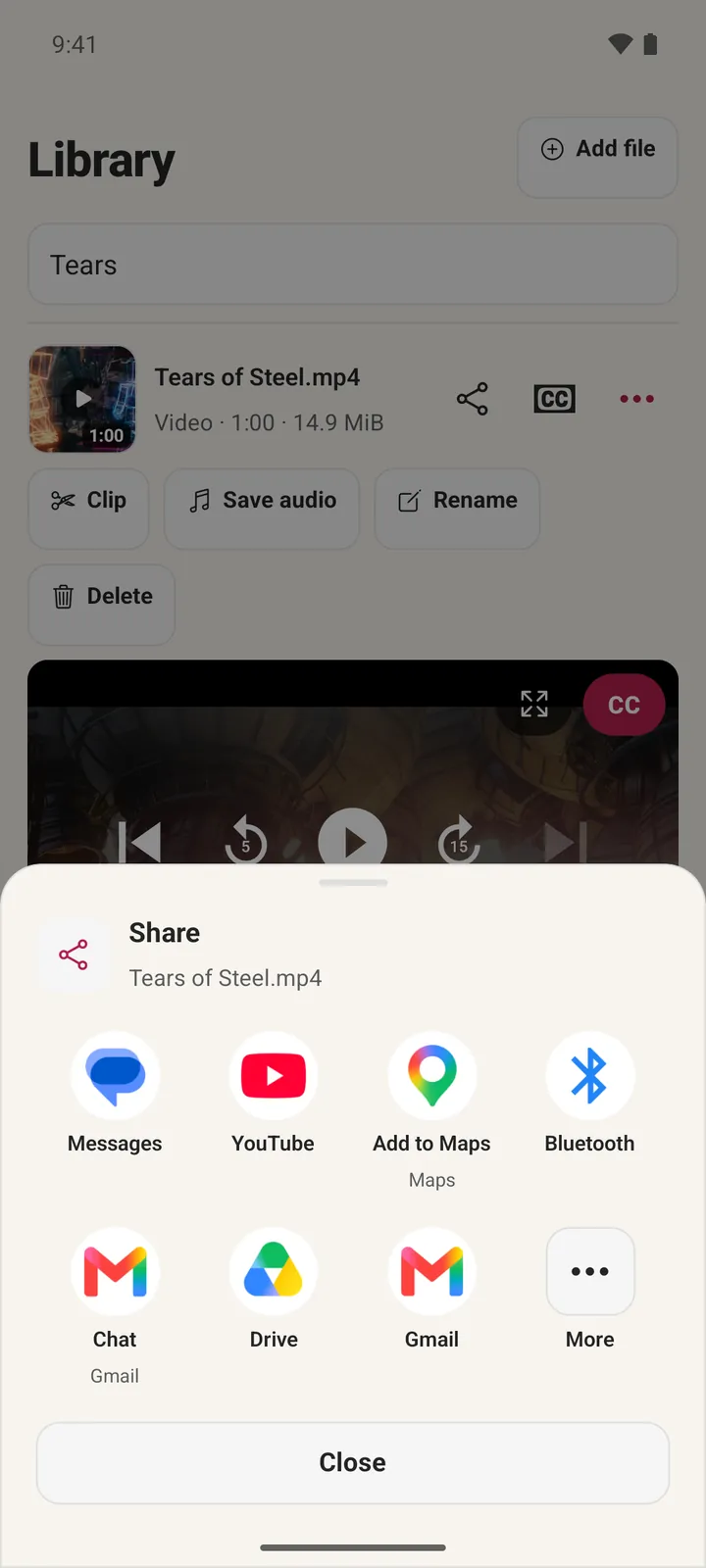
Snagcast's Share sheet on Android listing Messages, YouTube, Drive, Gmail and more.
Android: pick an app.

Post (Windows)

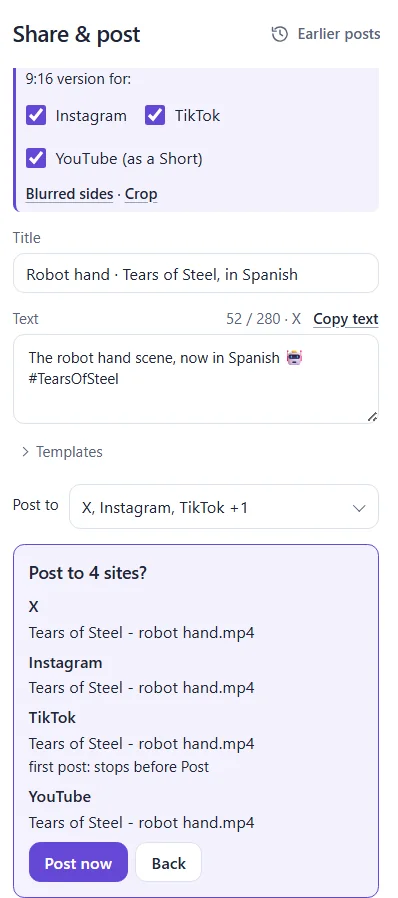
On Windows, Share & post posts the clip for you. Write the text once, tick the sites and choose Post to 4. Snagcast shows what goes to each site, and posts only when you choose Post now, on each site's own page, where you're signed in.
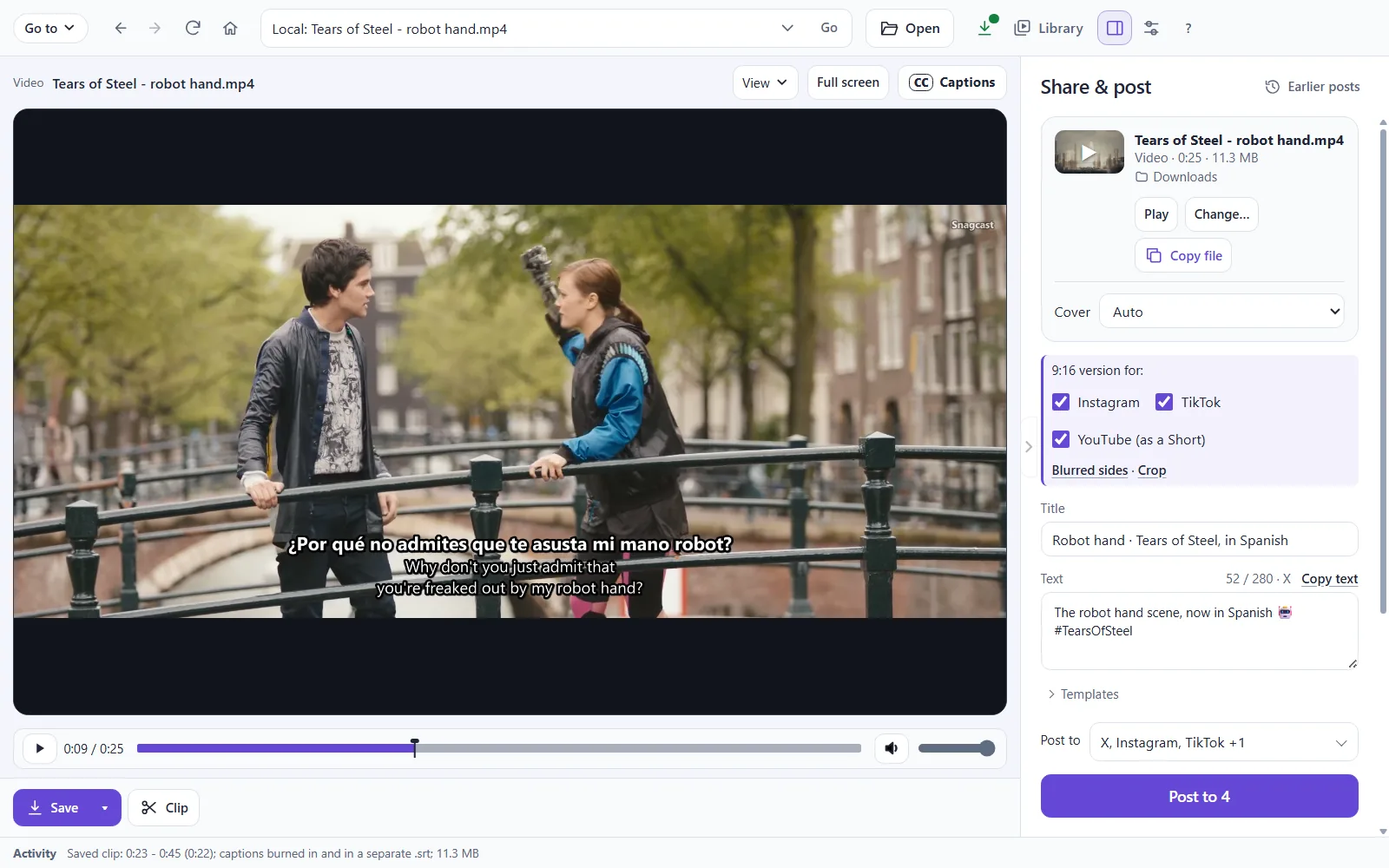
Share & post on Windows: the saved clip, its title and text, and X, Instagram, TikTok and YouTube chosen.
Windows: one text for every site.
Snagcast asking Post to 4 sites?, listing X, Instagram, TikTok and YouTube, with Post now and Back.
Check it, then Post now.

Save

Save keeps the whole video. The arrow beside it has more, like saving only its sound.
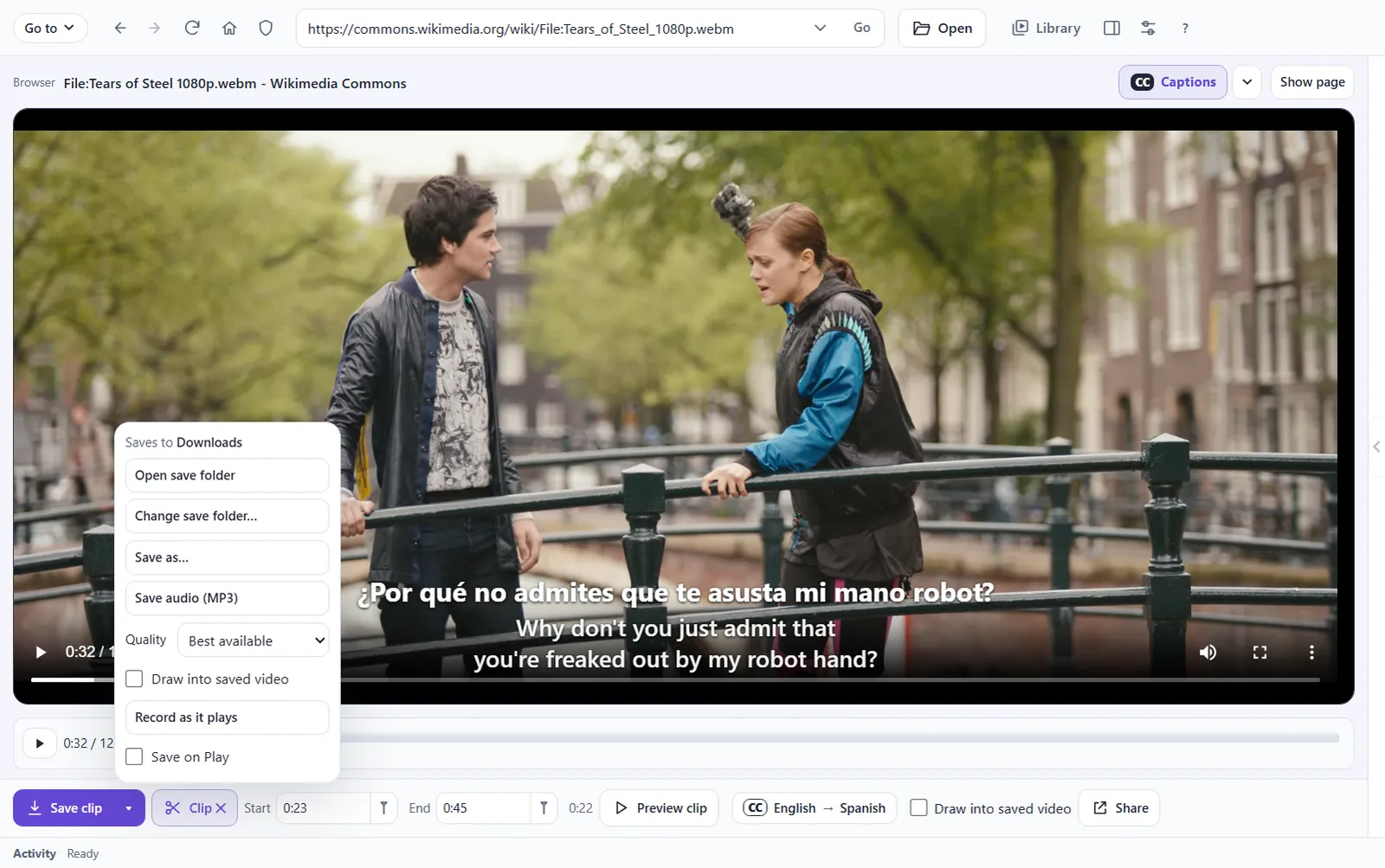
The Save menu on Windows: Save as, Save audio (MP3), quality and where it saves.
Windows: Save audio (MP3), Save as… and more.
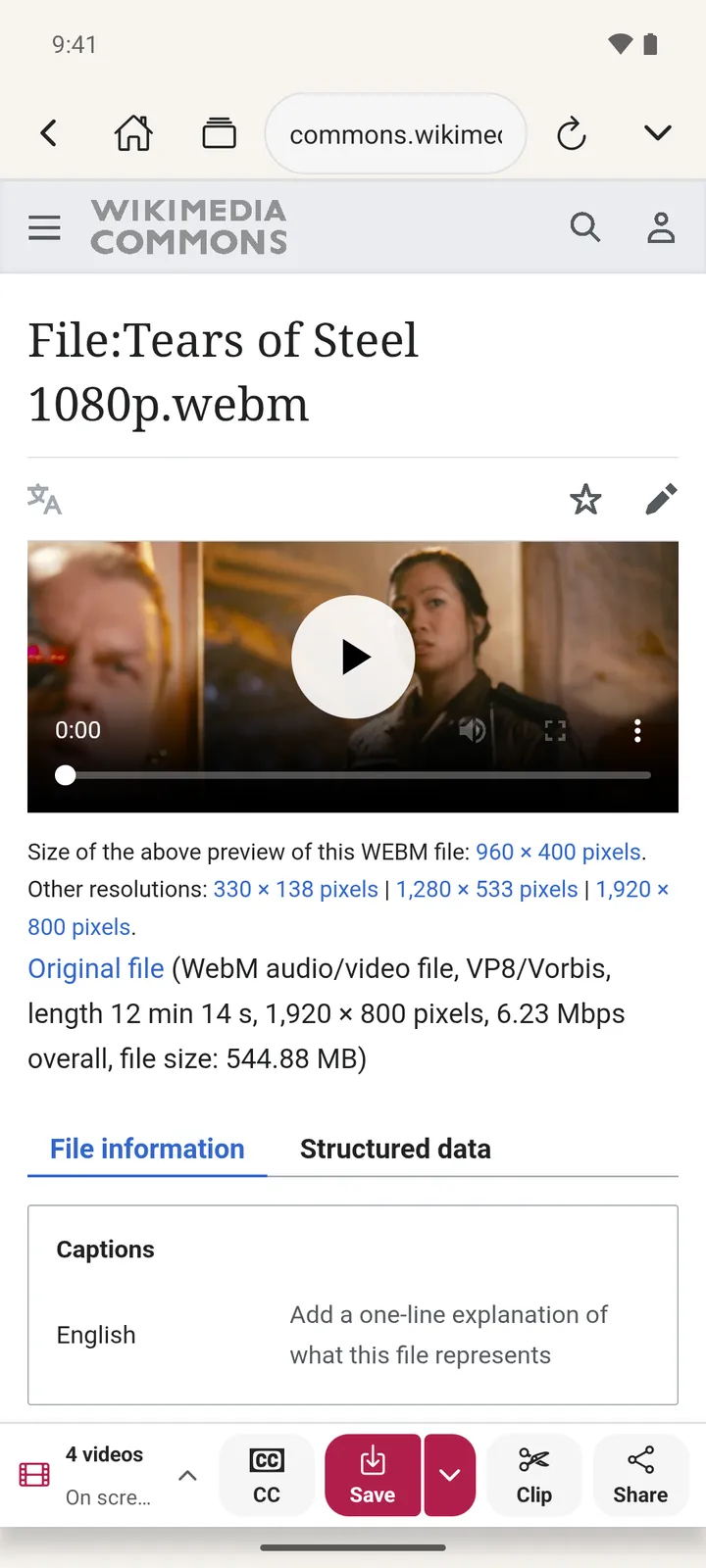
A video's page on Android with CC, Save, Clip and Share in the bar below it.
Android: Save is under the page.

Download

Film: Tears of Steel © Blender Foundation, CC BY 3.0, played from Wikimedia Commons.
Only save and share videos you made or have the right to use.